Guhit Studio
A PH-first architectural design desktop app. Draw a real floor plan in minutes, see it in 3D as you draw, ask AI for revisions you approve, and hand off to AutoCAD, SketchUp, or a BIM tool.
 GUHIT
GUHITWhat it is
Guhit Studio is a drafting studio for Philippine architects, built as a native desktop app for macOS and Windows. Guhit is the Filipino word for a line or a drawing, and the pitch is three words: draw, see, build the idea.
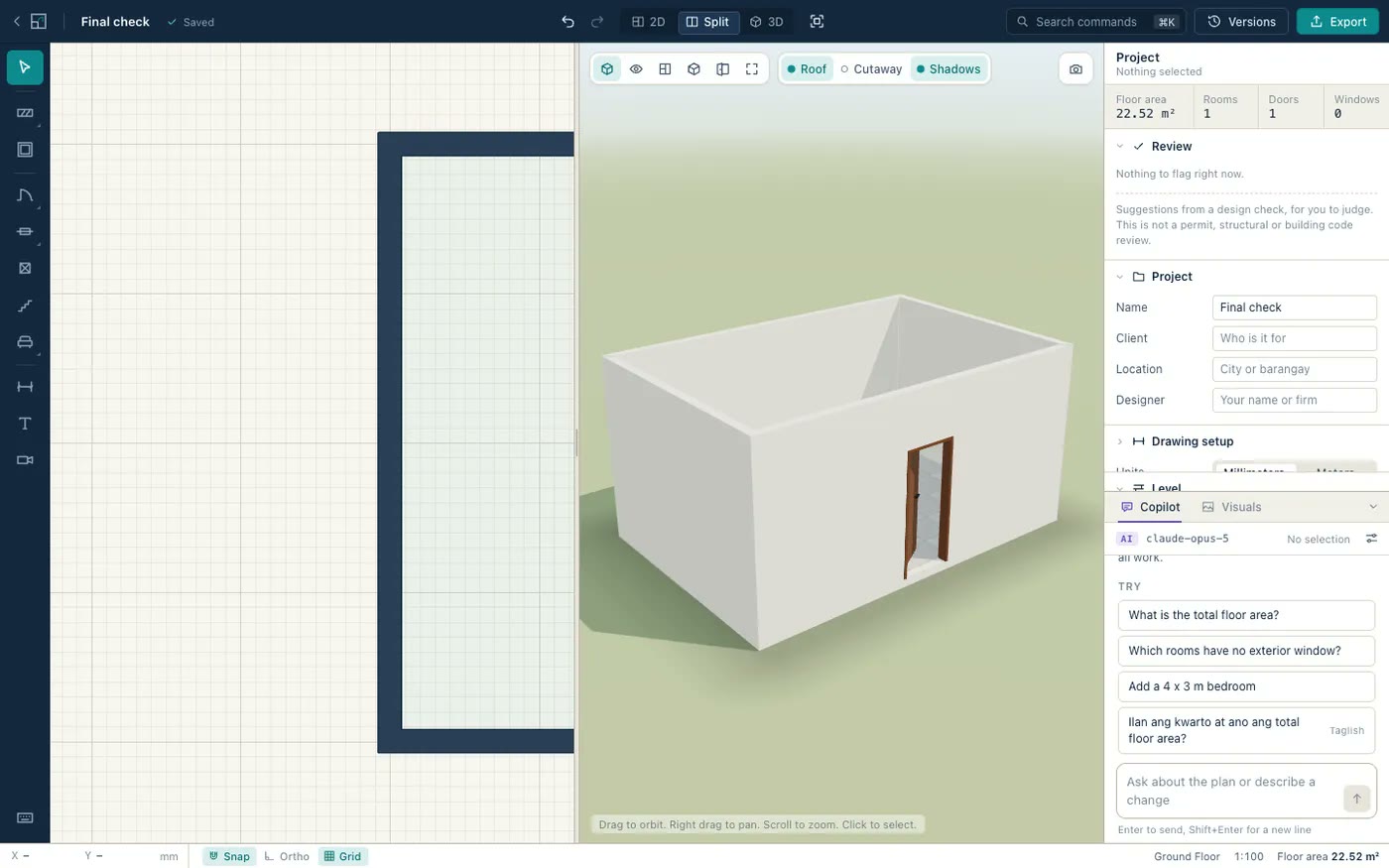
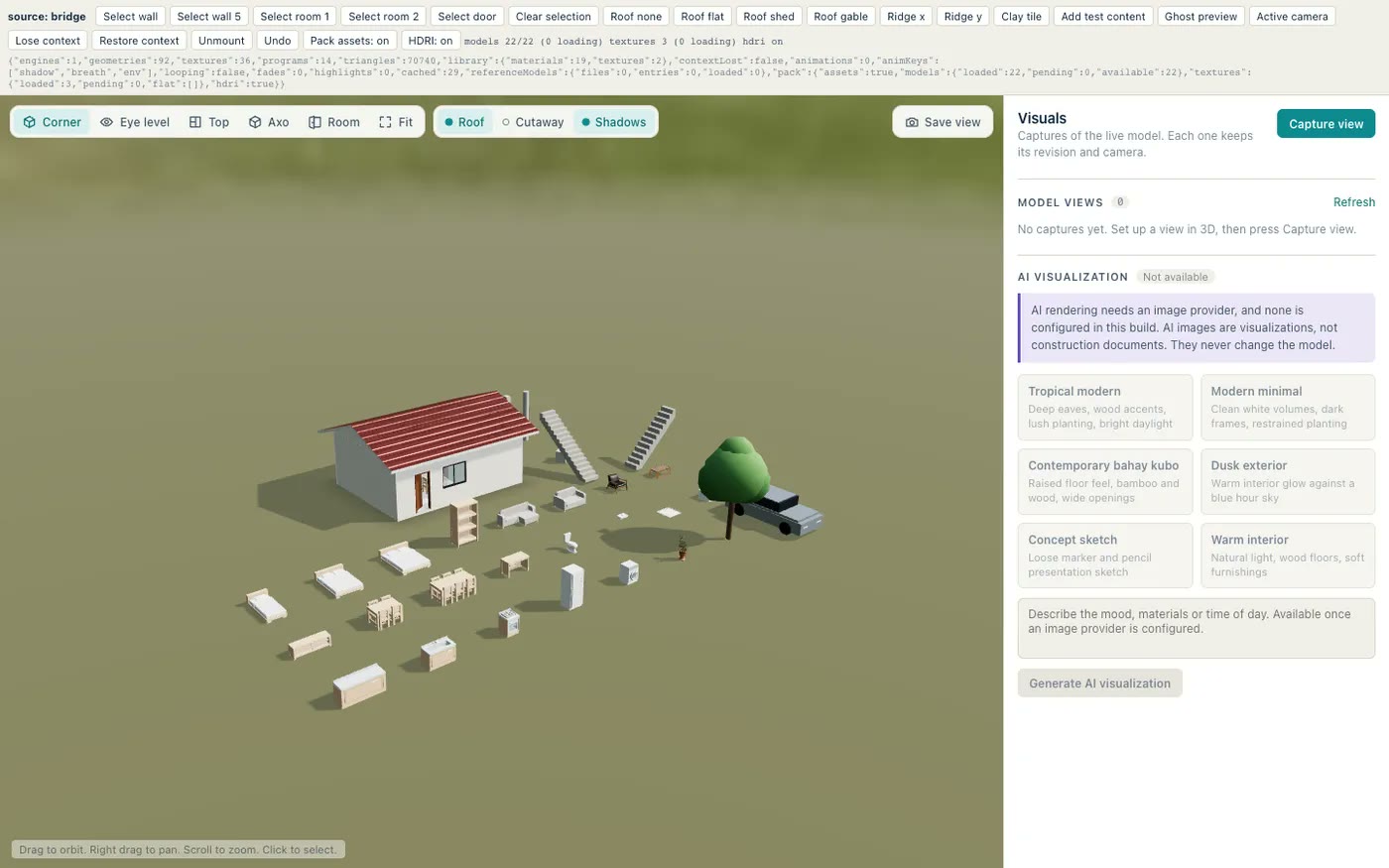
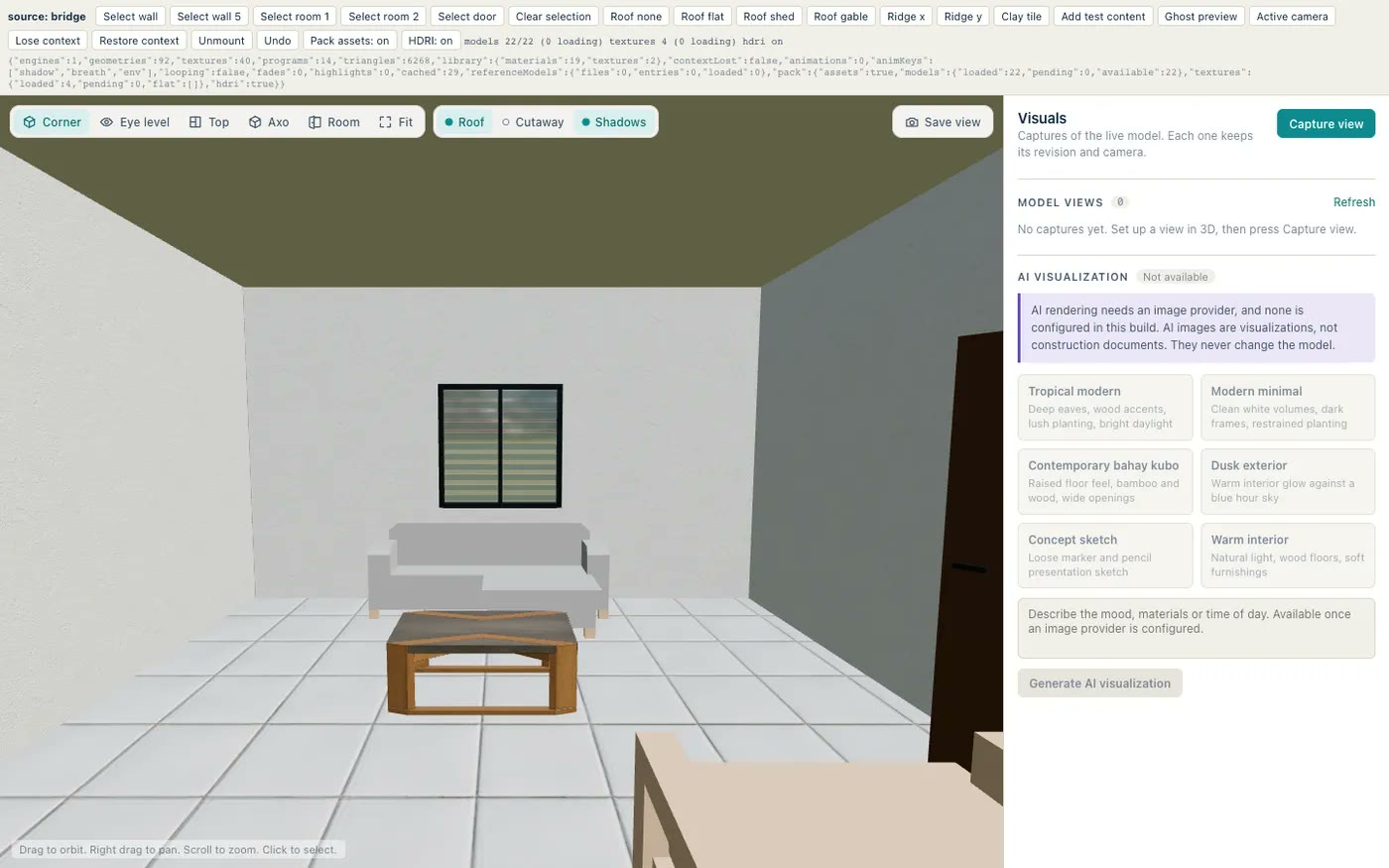
You draw a floor plan with semantic objects, not lines: walls, doors, windows, columns, stairs, furniture, dimensions, and notes. Close a loop of walls and the room inside names itself and shows its net area live. Type an exact length while drawing and the wall obeys. The same model stands up as a 3D scene while you draw, with real openings, roof presets, CC0 materials and furniture, an HDRI sky, cutaways, and camera presets. There is no export step between the two and no second model to keep in sync.
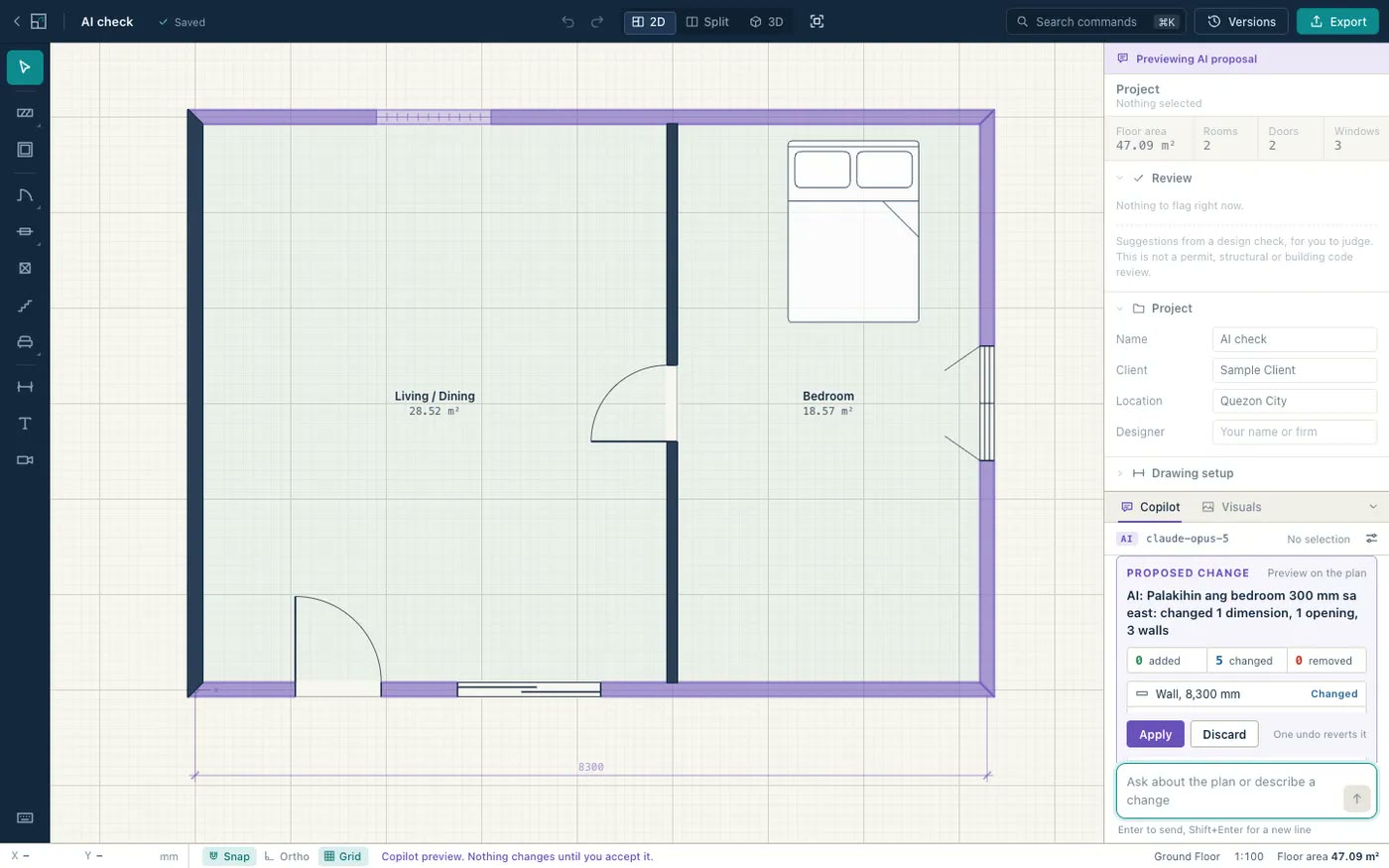
The copilot takes requests in English or Taglish (“palakihin ang bedroom 300 mm sa east”), turns them into the same typed commands the toolbar produces, and shows the result as a ghost on the plan. Nothing is committed until you press Apply, and one undo reverts it. Questions about areas and counts are answered from the model, never from a guess. When the drawing is done, it exports PDF and SVG sheets, DXF in 2D and 3D, IFC4, glTF, OBJ, DAE, and DWG, and imports DXF and DWG back in as recognized walls. Projects are plain files on your computer, with versions, autosave, and no account.
Why I’m building it
The research behind it was clear that nobody needs another AutoCAD. What small practices in the Philippines need is the fastest path from an idea to an editable, dimension-aware plan, a synchronized 3D model, and something they can show a client, all in one workspace. Most of the tools that do this well are priced and designed for firms elsewhere, and the local defaults are always an afterthought.
So the defaults are Philippine defaults: millimeters, 150 mm CHB walls, tropical roof presets, local material presets, and a copilot that understands Taglish. It launches with residential work, mostly single houses, because that is where solo architects, small firms, and students spend their time. And it is a desktop app on purpose. Files stay on the machine, there is no backend to pay for while it finds its users, and the geometry engine can be real Rust.
Architecture
The Rust engine is the only authority over the model. The project, its commands, undo, wall joins, room detection, review checks, queries, and every exporter live in Rust crates with tests, and the React UI keeps a read-only mirror and sends typed commands. The AI copilot uses exactly the same commands, which is what makes the “preview equals commit” promise hold: every command is deterministic, validated, and one undo step, so the ghost you approve is the change you get.
The desktop shell is Tauri 2 with a single IPC entry point. A dev-only HTTP bridge exposes the same service, so the full app runs in a plain browser for development and automated checks without the desktop shell. The app is also an MCP server: while it runs it serves an endpoint on localhost, and Claude Code, Codex, or Cursor can open projects, draw rooms, hang doors, read areas, and export a sheet through the user’s own subscription. Guhit never sees a key that way.
The 2D editor is a canvas with snapping, ortho, grids, and marquee selection. The 3D viewer is Three.js reading the same model. Sheets and DXF, IFC, and glTF exports are generated in Rust, DWG goes through the ODA File Converter, and releases are built by GitHub Actions with self-updates from GitHub releases.
Tech stack
- Engine: Rust workspace:
guhit-model(contract types, generates the TypeScript bindings),guhit-core(commands, undo, rooms, queries),guhit-export,guhit-import,guhit-app,guhit-mcp - Desktop: Tauri 2, one IPC command, auto-updater
- UI: React 19, TypeScript, Zustand, Vite, a canvas 2D editor, Three.js 3D viewer
- AI: Claude with strict tool calling for the copilot, an MCP endpoint for outside agents, Google AI Studio for image renders
- Interop: PDF, SVG, DXF 2D and 3D, IFC4, glTF, OBJ, DAE, DWG via the ODA File Converter
- Site and releases: static landing page on GitHub Pages, GitHub Actions builds for macOS and Windows
Where it stands
Guhit Studio is free while in development and there is no public release yet. Drawing, 3D, and every export work without any API key; the in-app copilot needs a Claude API key, and the AI visualization needs a Google AI Studio key. The code is public on GitHub, and issues and pull requests are welcome.